





Summary: Use Copilot alongside Click and Microsoft Dynamics 365 to simplify event marketing, understand performance, personalize follow-up, and get more value from the event data already available to your team.
Events can generate some of your most valuable marketing data.
Who registered? Who actually attended? Who didn’t show up? Which events attracted the most interest? Which contacts keep coming back? And perhaps most importantly, what should you do with all that information next?
Answering those questions can often mean filtering CRM records, building lists, pulling reports, comparing event results, or exporting information to spreadsheets before you can even begin deciding what to do next.
With Copilot, Click, and Microsoft Dynamics 365 working together, marketers have an opportunity to make that process much easier.
Rather than treating event data as something you simply collect and report on, Copilot can help marketers interact with information available in Dynamics more naturally, uncover useful insights, and get to their next marketing action faster.
Making Event Data Easier to Work With
One of the biggest opportunities with Copilot is simple: marketers can start with the question they want answered rather than thinking about how to get there.
Instead of asking yourself which records, views, filters, or reports you need, you can start with the marketing question.
For example:
“Show me contacts who registered for our webinar but didn’t attend.”
Or:
“Show me contacts who attended our last customer event.”
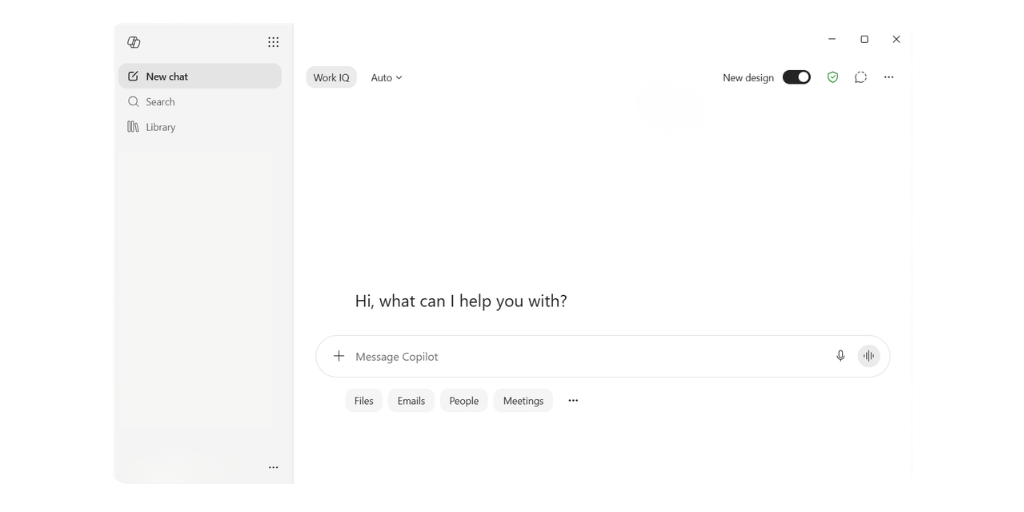
For Click marketers, audiences like these could become the starting point for much more relevant post-event communication.
Attendees might receive a thank-you and additional resources from the event. Registrants who didn’t attend could receive a different message with an on-demand recording or another opportunity to engage. People who demonstrate continued interest across multiple events might be candidates for additional content or outreach.
The marketer continues to determine the strategy and message. Copilot can help make getting to the right information less cumbersome.
Bringing Your Event Platforms into the Picture
Of course, useful event marketing starts with useful event data. And for many marketers, that information doesn’t originate in Dynamics.
Your team may be hosting webinars and events through other platforms, which is where Click’s Event Connectors enter the picture.
Click provides Event Connector integrations for platforms including Microsoft Teams Webinar, GoToWebinar, Zoom Webinar, Webex Webinar, Eventbrite, Cvent, and Microsoft Teams Meeting and Live Events.
For marketers, that makes the event data available through these integrations part of a bigger story. Rather than thinking about event activity in isolation, you can bring it into the CRM environment where your customer and prospect information already lives.
And that’s where the possibilities with Copilot become more interesting.
Go Beyond “Who Attended?”
Building an audience is useful, but it’s only one way marketers can benefit from easier access to event data.
Think about the questions your team asks after an event:
- How many people registered compared with how many attended?
- Which events generated the strongest attendance?
- Which events or topics are attracting the most interest?
- Which contacts are engaging with our events repeatedly?
- Are people registering for multiple events?
- Are certain registrants consistently signing up but not attending?
- Which accounts have multiple contacts engaging with our events
- How has registration or attendance changed across a series of events?
Copilot gives marketers a more conversational starting point for exploring questions like these, depending on the Copilot capabilities, data, and configuration available in their Dynamics environment.
For example, you might start with questions such as:
“Compare registrations and attendance across our recent webinars.”
“Which of our events had the highest attendance rate?”
“Show me contacts who have attended multiple events.”
“Which accounts had multiple people register for this event?”
The real opportunity isn’t simply faster reporting.
It’s making event data easier for marketers to explore and use.
A marketer who can quickly identify a pattern, audience, or opportunity can spend less time getting to the information and more time deciding what to do about it.
Turn Event Insights into Marketing Action
Finding an interesting audience or discovering a trend only becomes valuable when you do something with it.
That’s where Click comes back into the picture.
Imagine you identify a group of contacts who have attended several webinars around the same topic. That repeat engagement can give your team a reason to think differently about how you communicate with those contacts.
You could use that insight to develop more targeted messaging, promote the next event in the series, share related content, or incorporate those contacts into another Click campaign.
Or consider everyone who registered for an event but didn’t attend.
There’s no reason they should necessarily receive exactly the same follow-up as someone who participated. With the right data available in Dynamics, marketers can identify those groups and build different post-event experiences around them.
The process starts to look something like this:
- Connect: Click Event Connectors can connect supported webinar and event platforms with your Dynamics environment.
- Understand: Use the Copilot capabilities available in your Dynamics environment to help explore relevant event and CRM information.
- Decide: Turn what you’ve learned into a marketing strategy, audience, or next action.
- Act: Use Click to deliver targeted marketing communications and continue the customer journey.
You’re not replacing your event strategy with AI.
You’re reducing some of the work that can stand between collecting event data, understanding what it means, and doing something useful with it.
Think About What You Could Ask
One of the easiest ways to understand the potential of Copilot for event marketers is simply to think about the questions you’d like to ask of your data if getting the answer were easier.
That might include:
“Show me everyone who attended our latest webinar.”
“Find registrants who didn’t attend so we can send them the recording.”
“Which contacts have attended more than one event?”
“Which accounts are showing repeat interest in our events?”
“Summarize registration and attendance results for our recent events.”
“Compare registrations and attendance across our webinar series.”
“Help me draft different follow-up messaging for attendees and no-shows.”
“Which event audiences should we consider inviting to our next webinar?”
Some of these questions may be simple. Others depend heavily on how your organization’s data is structured and which Copilot capabilities are available.
But that’s really the point.
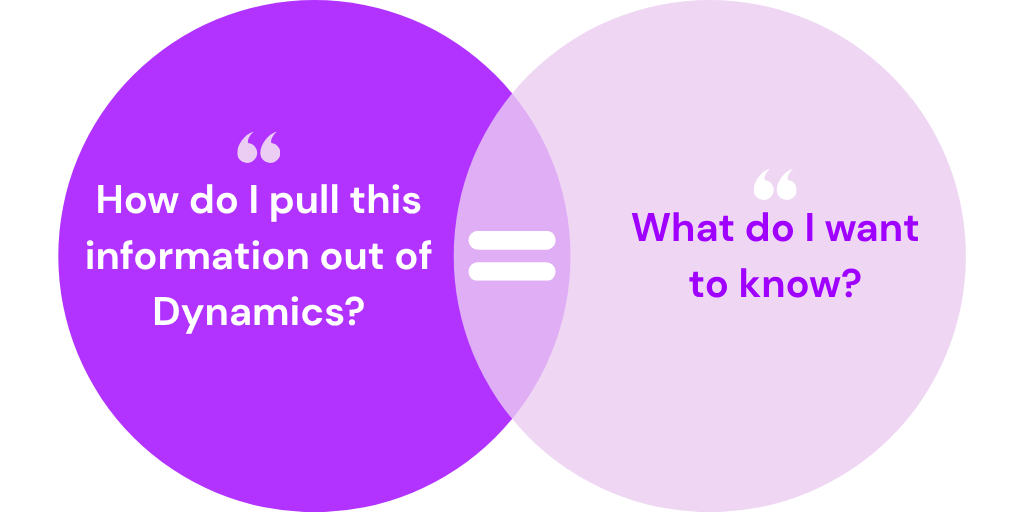
Instead of starting with “How do I pull this information out of Dynamics?” marketers can increasingly start with “What do I want to know?”
What This Means for Your Marketing Team
Events already require plenty of work to plan, promote, execute, and follow up on. Getting value from the data they generate shouldn’t become another manual project.
Bringing Click, Copilot, and Dynamics 365 together creates an opportunity to shorten the distance between an event and the next marketing action.
That could mean:
- Faster access to event audiences based on registration, attendance, and other CRM information
- More relevant post-event follow-up based on how an individual engaged with an event
- Easier event analysis by starting with questions instead of reports
- Better identification of engagement patterns across multiple events
- More value from event platform data by connecting supported event systems with Dynamics through Click
- A quicker path from insight to action using Click for the next marketing touchpoint
- And importantly, the marketer remains at the center of the process.
Copilot doesn’t need to decide your event strategy for you. Its value is in helping make the information behind those decisions easier to access and work with.
Putting Your Event Data to Work
Your event doesn’t end when the webinar closes or the last attendee leaves.
The registrations, attendance information, and engagement data surrounding that event can help inform what your marketing team does next.
Click helps connect event activity with the Dynamics environment, Copilot can make it easier to explore and understand the information available there, and Click gives marketers a way to turn those insights into continued engagement.
Better event marketing isn’t necessarily about adding more technology or more steps. It’s about getting more value from the data and tools you already have.
A note about Copilot availability
Copilot features and capabilities can vary based on your Microsoft Dynamics 365 applications, licensing, configuration, permissions, and the features your organization has enabled. Not every Click customer will automatically have the same Copilot functionality available, so the specific use cases described above will depend on your organization’s Dynamics environment.